Artly: AI Image Generator for mobile image and video creation
Artly: AI Image Generator, developed by Kimberly Unger Healing Arts, converts written prompts into visual art and short video clips on Android devices. The app uses remote AI processing to produce images and brief motion clips from text inputs, oriented toward quick prototyping and creative exploration. It bundles a style library, basic enhancement tools, and prompt templates, targeting digital artists, social media creators, and hobbyists who need rapid visual ideas on mobile.
Unlock your creativity with Adobe Stock
Get 10 images or 1 video with a free trial
What is Artly used for?
Artly targets concept visualization and quick content generation by turning textual prompts into finished visuals. The app supports text-to-image generation for illustrations and paintings, and it supports AI video creation that produces short motion clips from prompts or still images. That combination lets creators iterate multiple ideas rapidly on a single device without traditional drawing skills, making it suitable for mood boards, social posts, and early-stage visual planning.
What image and video styles does it support?
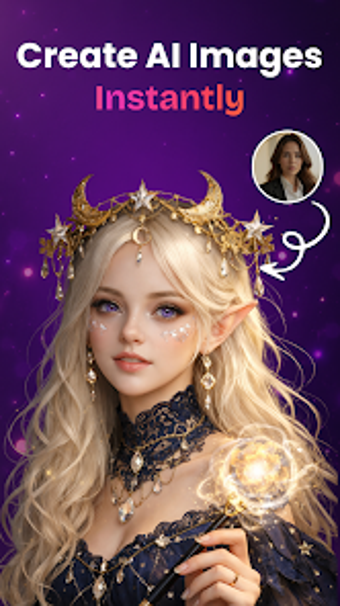
The app's style library lets creators select a clear aesthetic before generation. Available looks include anime, 3D render, oil painting, and photorealistic aesthetics. Built-in enhancement can upscale outputs for higher clarity, and the generator accepts a user photo as a base for either new images or short video clips. These options help match visual output to platform or brief requirements.
How does Artly perform on mobile hardware?
Artly uses a mobile-first interface designed for smartphones and tablets, but heavy AI work runs on remote servers, so an active internet connection is required for generation. The developer updates the app to improve generation speed and add new styles, a change reflected in user reception. Device capability influences perceived responsiveness, so modern Android builds give the smoothest experience during previews and exports.
Is Artly better for beginners or professionals?
Artly supports quick entry for newcomers through prompt assistance and templates that guide wording, enabling fast iterations for social posts and idea prototypes. Creators who need deeper control encounter account-gated higher-resolution and upscaling options that limit output fidelity without elevated access. The balance between guided prompts and adjustable output settings makes the tool most useful for content creators and marketers who prioritise speed over exhaustive manual adjustment.
Who should choose Artly?
Artly is a practical option for mobile creators who need fast concept generation and visual variety; it supports rapid iteration on Android devices. Expect generation to rely on external servers and for higher-fidelity outputs to appear behind account-gated tiers, which affects control over final detail. Accepting those constraints makes it a productive tool for social media creators and quick design exploration.
Pros
Combines image and short-video generation in one Android app
Style library includes anime, 3D render, oil painting, photorealistic aesthetics
Prompt assistance and templates help craft effective prompts
Built-in upscaling and refinement improve generated image clarity
Cons
Requires active internet connection for all AI generations
Limited initial generation capacity, with expanded capacity behind account-gated tiers
Safety filters restrict some content types during generation
Laws concerning the use of this software vary from country to country. We do not encourage or condone the use of this program if it is in violation of these laws. Softonic may receive a referral fee if you click or buy any of the products featured here.